Harry Porter, AKA Swamp Daddy, prepared all these Windows Theme Packs and Screensavers for you and was kind enough to offer them to visitors here at no charge. If you like his work, check out his many other themes on these sites:
www.themeworld.com (James Bond screensavers)
www.themeworld.com (in Fantasy & Automotive)
www.scifiimages.com
If you have any problems with his themes, you can contact him directly at this email address: This email address is being protected from spambots. You need JavaScript enabled to view it..
Each theme comes with complete instructions and in two sizes, for those with high resolution monitors and those without.
Below the themes and screensavers are all the original LSL7 wallpapers. If you don't want an entire theme pack, you can download them to change your Windows wallpaper. (But don't download both; each theme includes the corresponding wallpaper.)

Larry 7 Theme Packs
To download a theme, just click the graphic below and save it to your hard disk. (Each is about 1MB in size.) Then run the file; it will install itself automatically, putting all the files in the right place on your hard disk.
But to tell Windows that you want to see your new theme varies by which Windows you are running. If you have XP, open the "Display" control panel and select the "Theme" tab. Choose one from the list. Easy. If you have Win95, Win98, or WinME, you'll need to install either Microsoft's Plus! pack or a shareware program like Desktop Architect.
You can also download all the themes at once. (2.4MB) Collect them all! Swap them with your friends!
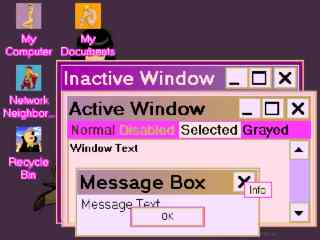 |
Annette Boning
Theme Pack |
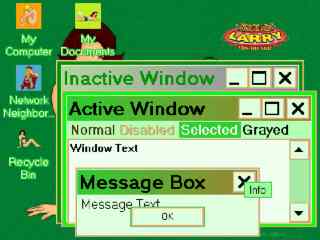 |
Dewmi Moore
Theme Pack |
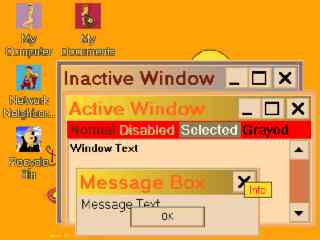 |
Drew Baringmore
Theme Pack |
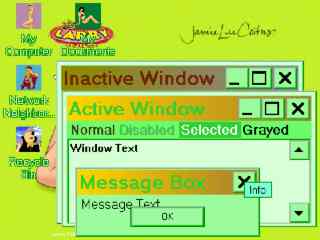 |
Jamie Lee Coitus
Theme Pack |
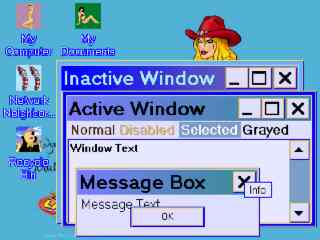 |
The Juggs
Theme Pack |
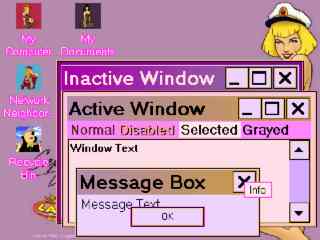 |
Captain Thygh
Theme Pack |
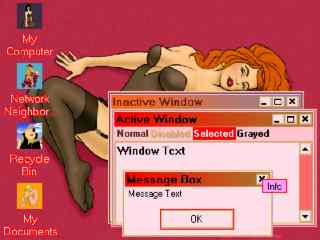 |
Victorian Principles Theme Pack |
Larry 7 Screensavers
You have a choice of three screensavers:
Leisure Suit Larry 7: Screensaver 1 (1.9MB)
Leisure Suit Larry 7: Screensaver 2 (1.8MB)
Leisure Suit Larry 7: Screensaver 3 (1.5MB)
All are self-extracting EXE files that will install themself. Don't worry: each has been scanned by Norton AV and found clean.
Larry 7 Wallpapers
To change your wallpaper, right-click a picture below, then from the menu, select "Save Target As...". (Not "Save Picture As..."! That will give you the small version exactly as shown below.) Save it somewhere, then open the "Display" control panel and click the "Desktop" tab. Click the "Browse" button, find the wallpaper where you saved it, and click "OK" until everything's closed.
Or you can download all the wallpapers at once. (637KB)
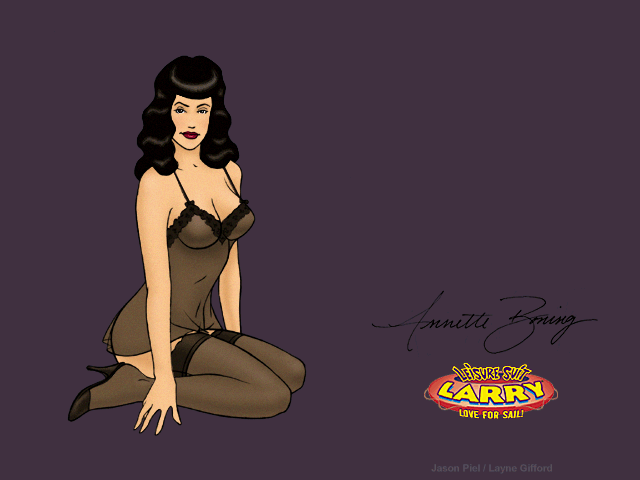 |
Annette Boning Wallpaper |
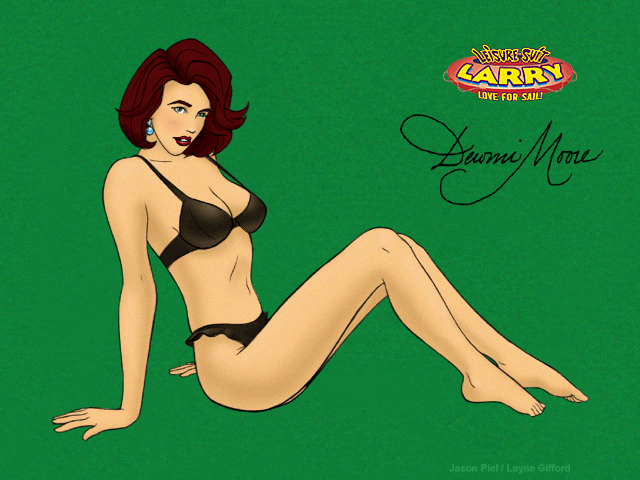 |
Dewmi Moore
Wallpaper |
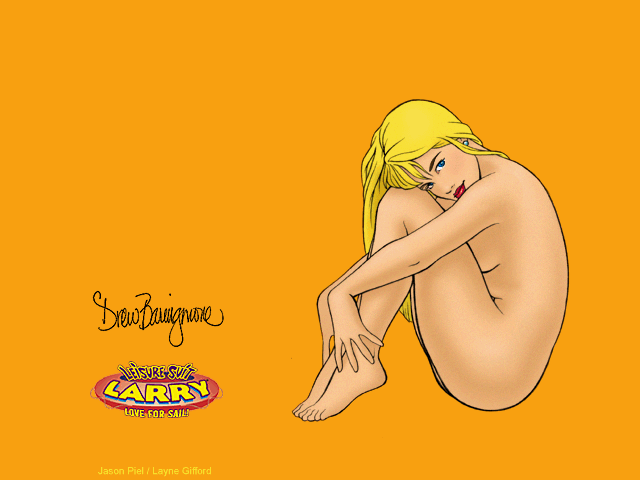 |
Drew Baringmore
Wallpaper |
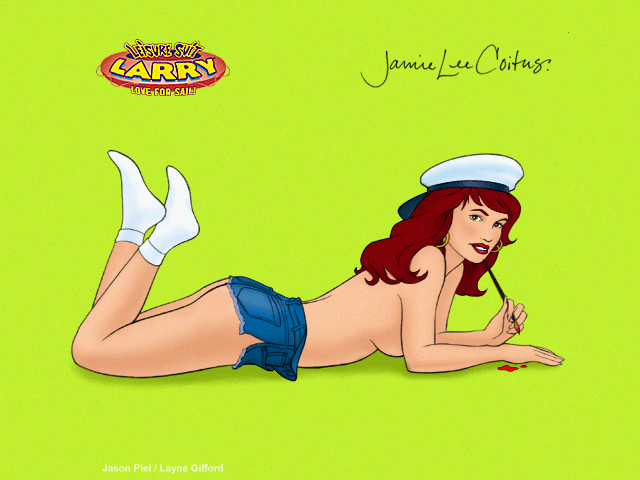 |
Jamie Lee Coitus
Wallpaper |
 |
The Juggs
Wallpaper |
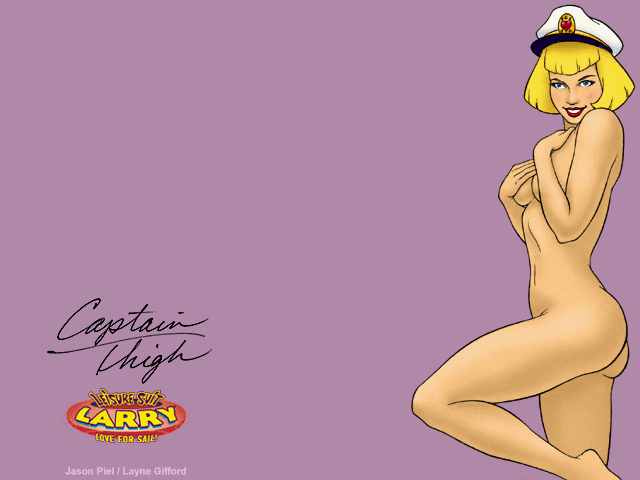 |
Captain Thygh
Wallpaper |
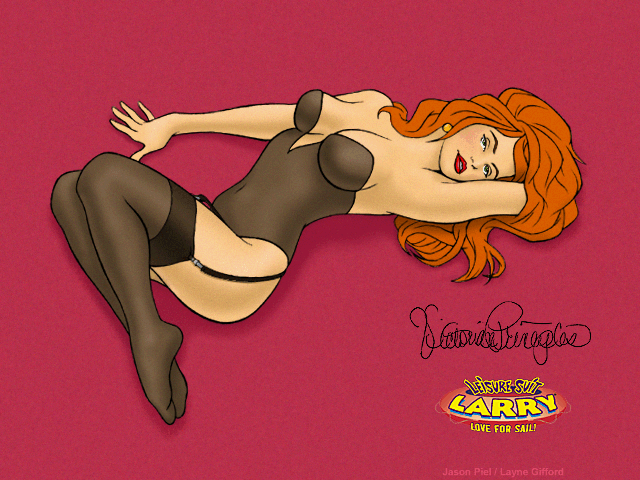 |
Victorian Principles
Wallpaper |
 |
Where's Dildo? Wallpaper |